Authentification implicit
authmanagers implicit:
implicit is the easyest configuration mode, and is used as 'Anonymous' authentification.
The provider is defined as a dictionnary object and contains an anononymous provider.
anononymous provider always permit authentification, and create a uuid as userid. anononymous provider is used to skip the authentification process in a demonstration mode.
'implicit': {
    'providers': {
      'anonymous': {
        'displayname': 'Guest',
        'textcolor': '#000000',
        'icon': 'img/auth/anonymous_icon.svg',
        'backgroundcolor': '#FFFFFF',
        'caption': 'Have a look !',
        'userid': 'anonymous',
        'username': 'anonymous',
        'policies': { 'acl': { 'permit': [ 'all' ] } }
      }
    }}
anononymous provider always permit authentification, and create a uuid as userid.
Set in your configuration file the authmanagers dictionnary as described
authmanagers: {
  'external': {},
  'explicit': {},
  'implicit': {
    'providers': {
      'anonymous': {
        'displayname': 'Guest',
        'textcolor': '#000000',
        'icon': 'img/auth/anonymous_icon.svg',
        'backgroundcolor': '#FFFFFF',
        'caption': 'Have a look !',
        'userid': 'anonymous',
        'username': 'anonymous',
        'policies': { 'acl': { 'permit': [ 'all' ] } }
      }
    }
  }}
Update your configuration file and apply the new configuration file
Open a new Web Browser and go to your abcdesktop URL. You should see the login HTML page with the Anonymous button :
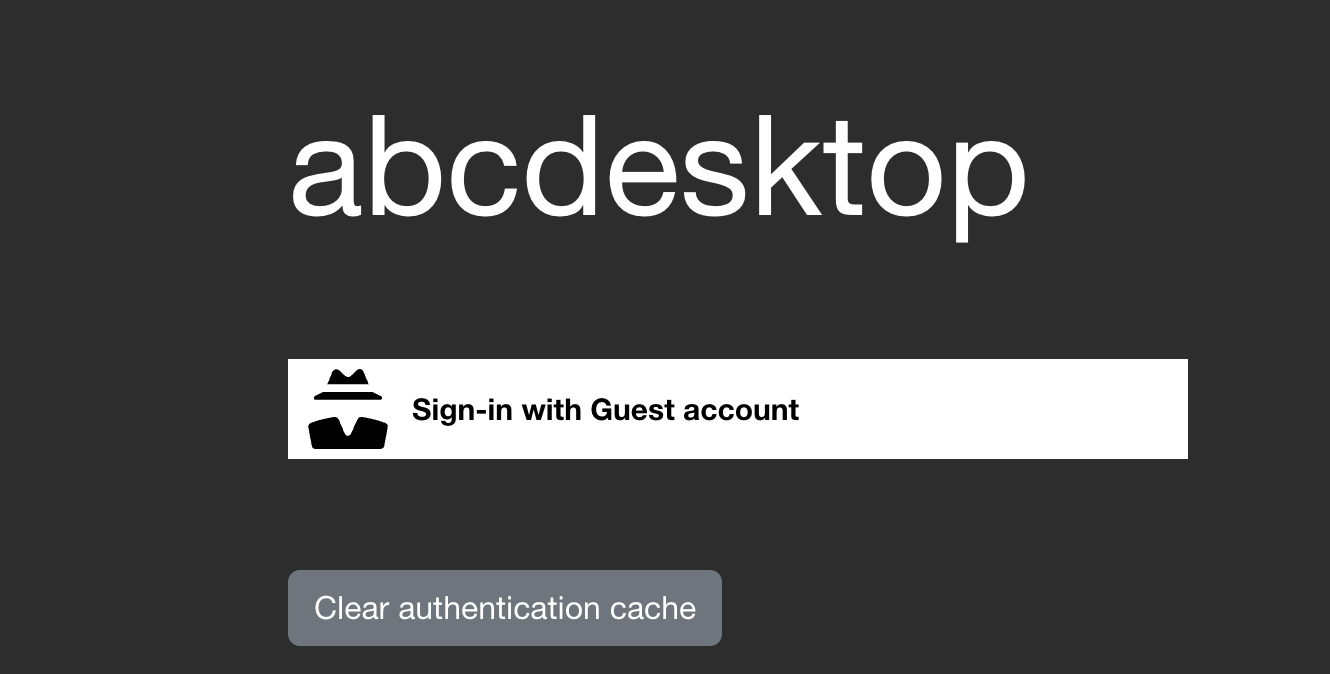
Press the Sign-In Anonymously button.
You get a desktop as anonymous user. The current user is anonymous
List all your pod desktop
kubectl get pods -l type=x11server -n abcdesktop
NAME              READY   STATUS    RESTARTS   AGE
anonymous-3806b   3/3     Running   0          9m22s
In this case the nameof my pod is anonymous-3806b
Run a bash script into
kubectl exec -it anonymous-3806b -n abcdesktop -- bash
Defaulted container "x-graphical" out of: x-graphical, s-sound, f-filer, i-init (init)
anonymous@abcdesktop:~$ id
uid=4096(anonymous) gid=4096(anonymous) groups=4096(anonymous)
You are anonymous with uid=4096 and gid=4096
Great, you have check how the implicit Authentification configuration works.