Add applications with a script
Quick application install
Quick installation can be run on Linux or macOS operation system.
Download and run the pullapps-4.4.sh script :
curl -sL https://raw.githubusercontent.com/abcdesktopio/conf/main/kubernetes/pullapps-4.4.sh | bash
You can watch the youtube video sample. This video describes the application installation process on a fresh kubernetes cluster.
Connect to your abcdesktop
The API server receives a new image event from docker daemon. To run the new applications just refresh you web browser page.
Now reconnect to your abcdesktop.
Open your navigator to http://[your-ip-hostname]:30443/
http://localhost:30443/
The new applications are installed, and ready to run.
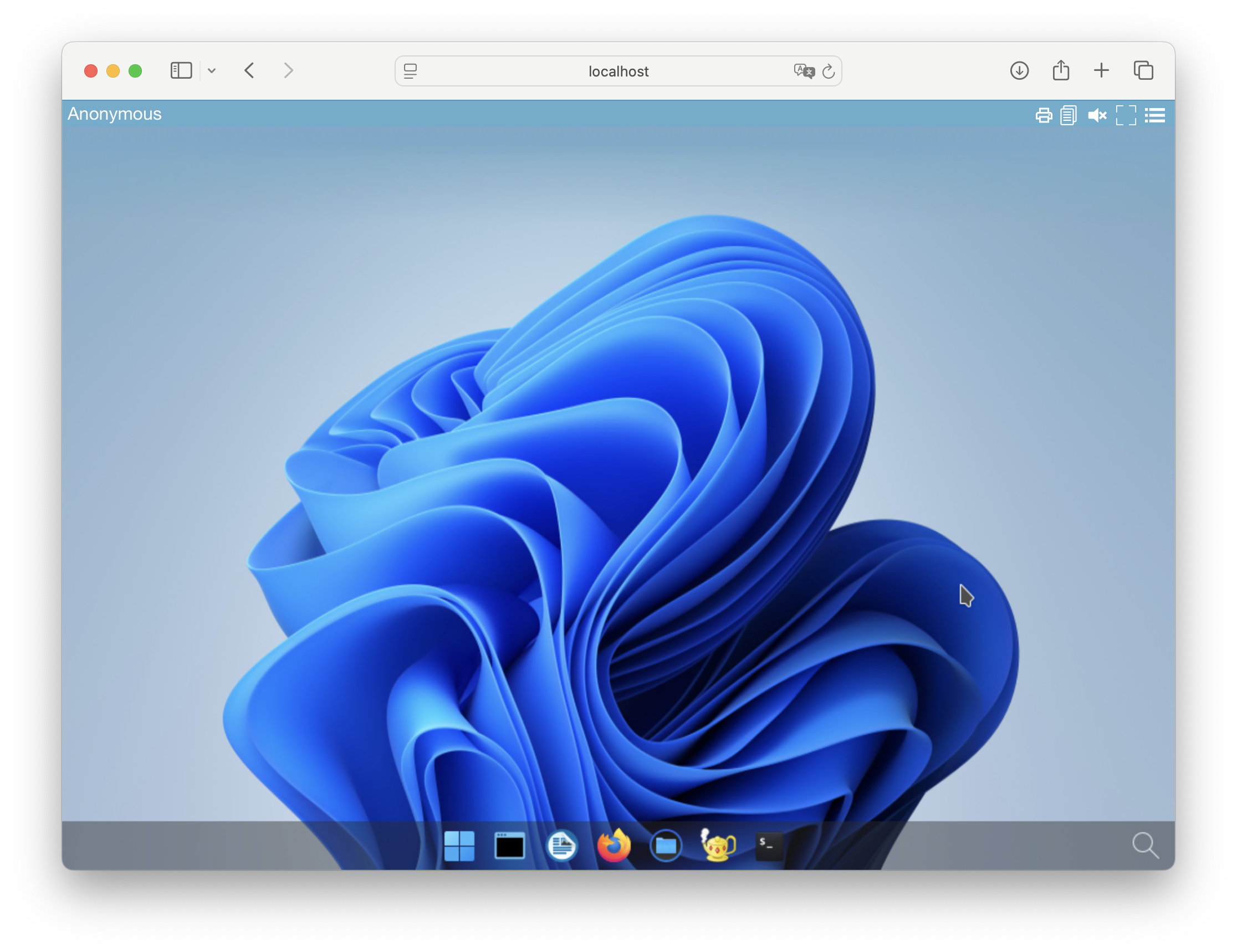
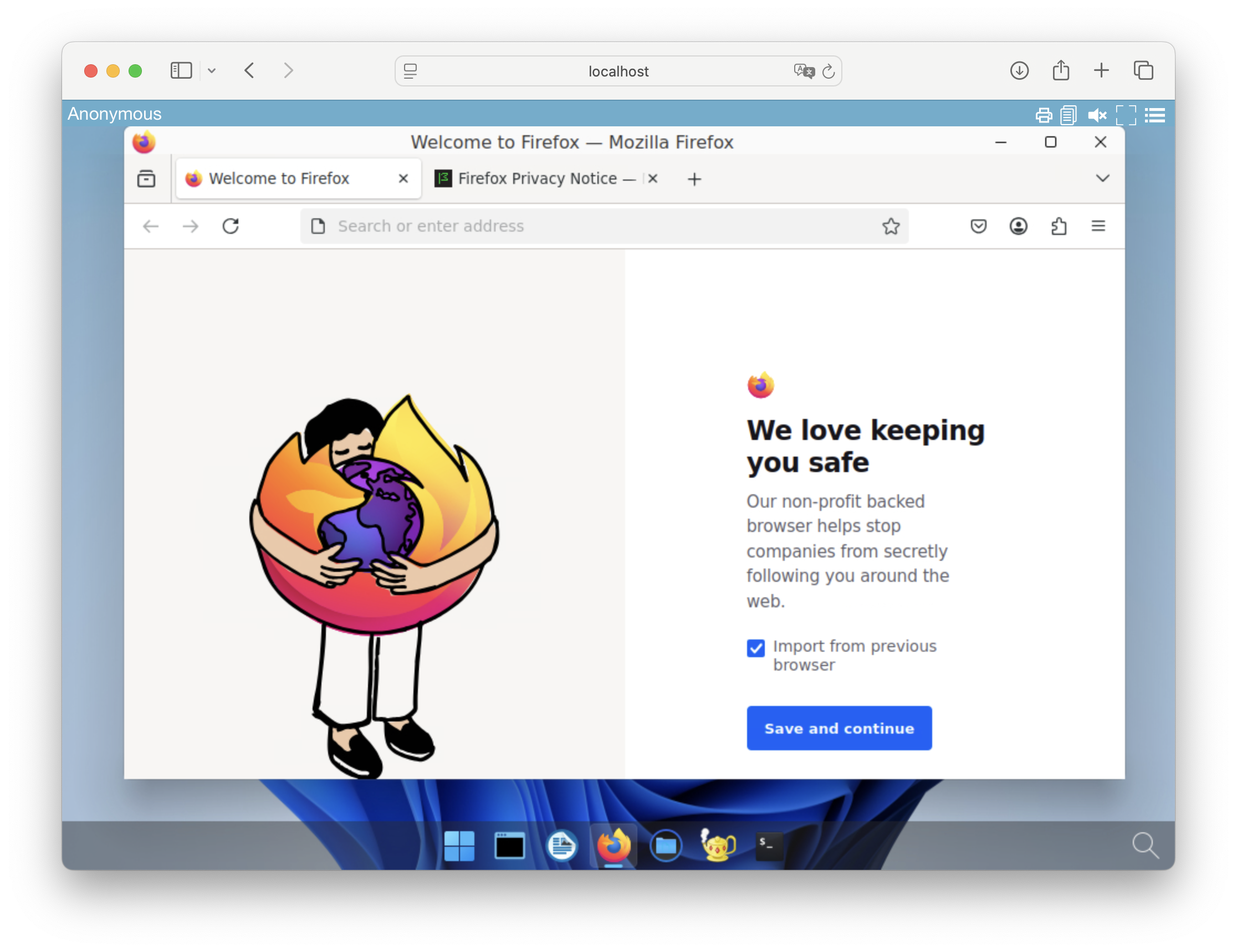
And then you can start new applications like Firefox
Another example with console admin interface usage
Quick application install
Quick installation can be run on Windows operation system.
Download and run the pullapps-4.4.ps1 script :
curl -sL https://raw.githubusercontent.com/abcdesktopio/conf/main/kubernetes/pullapps-4.4.ps1 | bash
You can watch the youtube video sample. This video describes the application installation process on a fresh kubernetes cluster.
Connect to your abcdesktop
The API server receives a new image event from docker daemon. To run the new applications just refresh you web browser page.
Now reconnect to your abcdesktop.
Open your navigator to http://[your-ip-hostname]:30443/
http://localhost:30443/
The new applications are installed, and ready to run.
And then you can start new applications like Firefox
Another example with console admin interface usage