Authentification overview
Configuration file
The authentification configuration is set in the od.config file. In this chapter you will need to update the od.config configuration file.
This update differs depending on the configuration docker mode or kubernetes mode.
Read the
Update your configuration file and apply the new configuration file section to make change in od.config file for kubernetes cluster.
The dictionary authmanagers
The authmanagers is defined as a dictionary object :
authmanagers: {
  'external': {},
  'explicit': {},
  'implicit': {}}
The od.config defines four kinds of entries in the authmanagers object :
external: use for OpenID Connect (Authentification) OAuth 2.0explicit: use for directory servicesLDAP,LDAPSandMicrosoft Active Directoryauthentificationmetaexplicit: use forMicrosoft Active Directory trusted relationships, with support of FSP (Foreign Security Principals)implicit: use for Anonymous Authentification and SSL-client certificat
Related authmanagers
| authmanagers type | Description |
|---|---|
external |
For OpenID Connect OAuth 2.0 authentification |
metaexplicit |
For Microsoft Active Directory Trusted relationship, with support of Foreign Security Principals and Special Identities |
explicit |
For LDAP, LDAPS, Active Directory Authentification, and Kerberos authentification |
implicit |
For anonymous authentification, for an always True Authentification, and SSL-client certificat |
Hands-on
Requirements
You should have read the hands-on :
- Update your configuration file and apply the new configuration file section to make change in
od.configfile for kubernetes cluster.
Change authmanagers configuration
Edit your od.config pyos configuration file, and set the value to the authmanagers dictionary with empty values for implicit, explicit, and external, as describe :
authmanagers: {
  'external': {},
  'explicit': {},
  'implicit': {}}
json dictionary
    If you define a dictionary, you must close the `}` on the same last line as the previous one. A simple quick example for authmanagers dictionary.
    authmanagers: {
      'external': {},
      'explicit': {},
      'implicit': {}}
To apply changes, you have to replace the abcdesktop-config, by running the replace kubectl command line option. Then rollout restartthe pyos pod.
kubectl create -n abcdesktop configmap abcdesktop-config --from-file=od.config  -o yaml --dry-run | kubectl replace -n abcdesktop -f -
kubectl rollout restart deployment pyos-od -n abcdesktop
Start your web browser and open the URL http://localhost:30443
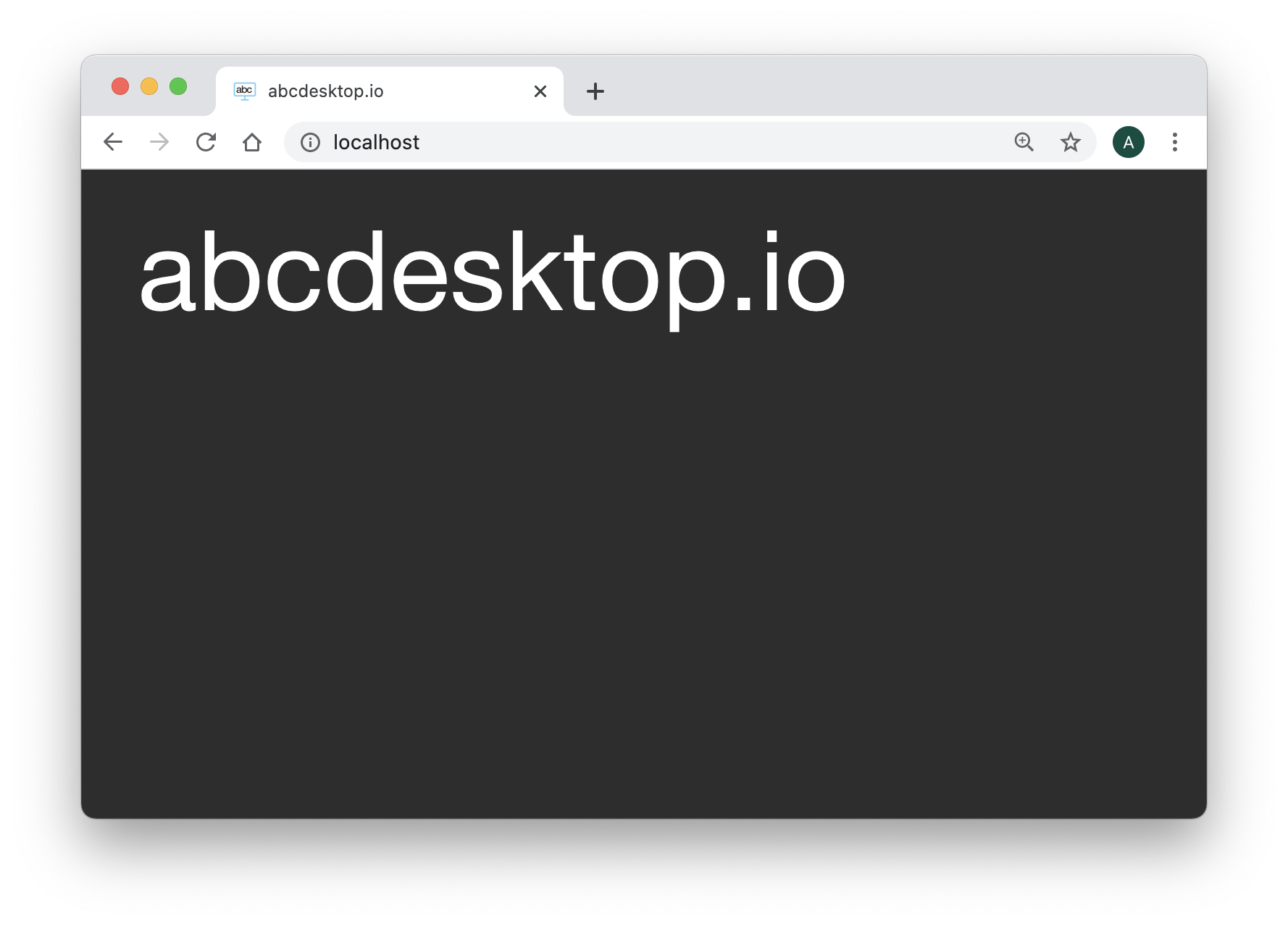
The Web home page should only show the title abcdesktop.io.
There is no authmanagers available.
Great you can now add some value to authenticate your users.
authmanagers implicit:
implicit is the easiest configuration mode, and is used to run Anonymous authentification (always True).
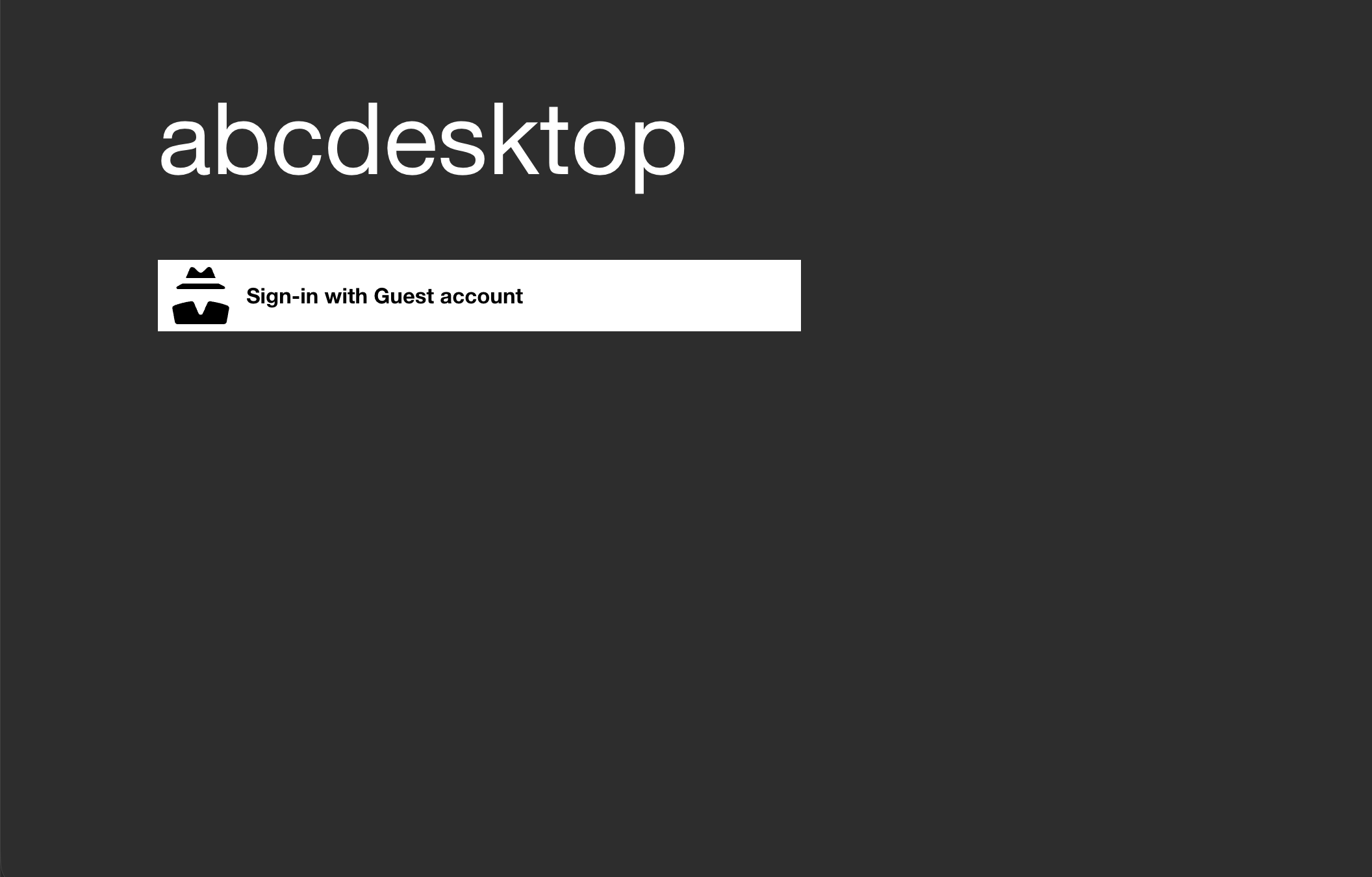
Read the authmanagers implicit Section.
authmanagers explicit:
explicit is defined to use a directory service like LDAP.
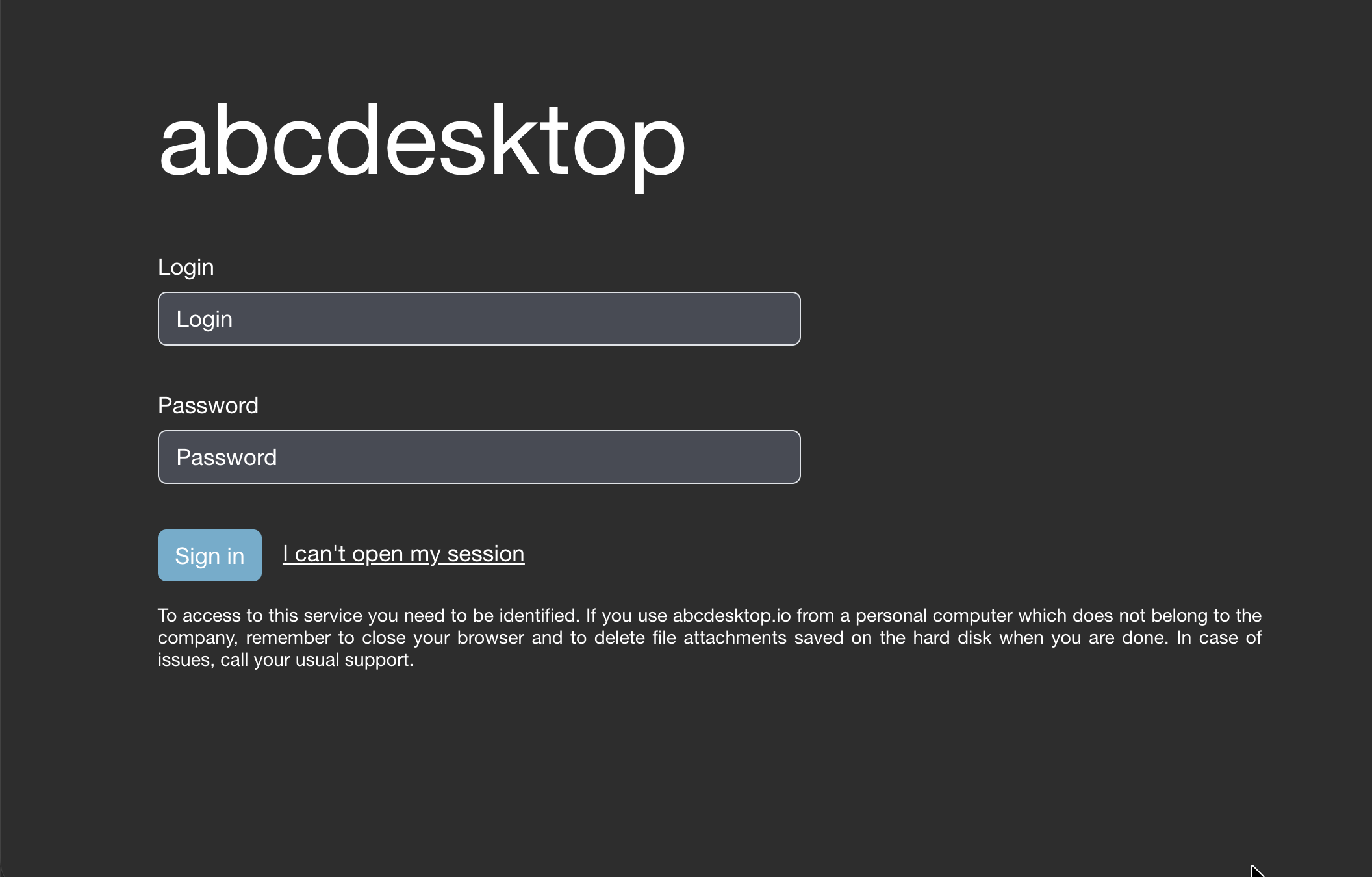
Read the authmanagers explicit Section.
authmanagers metaexplicit:
metaexplicit authentication manager allows you to provides security across multiple domains or forests through domain and forest trust relationships. metaexplicit reads the domain of the current user from another domain or forest, then executes the authentication process to the user's domain.
metaexplicit offers a support to Microsoft Active Directory Trusted relationship, with support of Foreign Security Principals and Special Identities.
Read the authmanagers meta explicit Section.
authmanagers external:
external use external OAuth 2.0 authentication, for example Google OAuth 2.0, or Github OAuth 2.0, and so on.
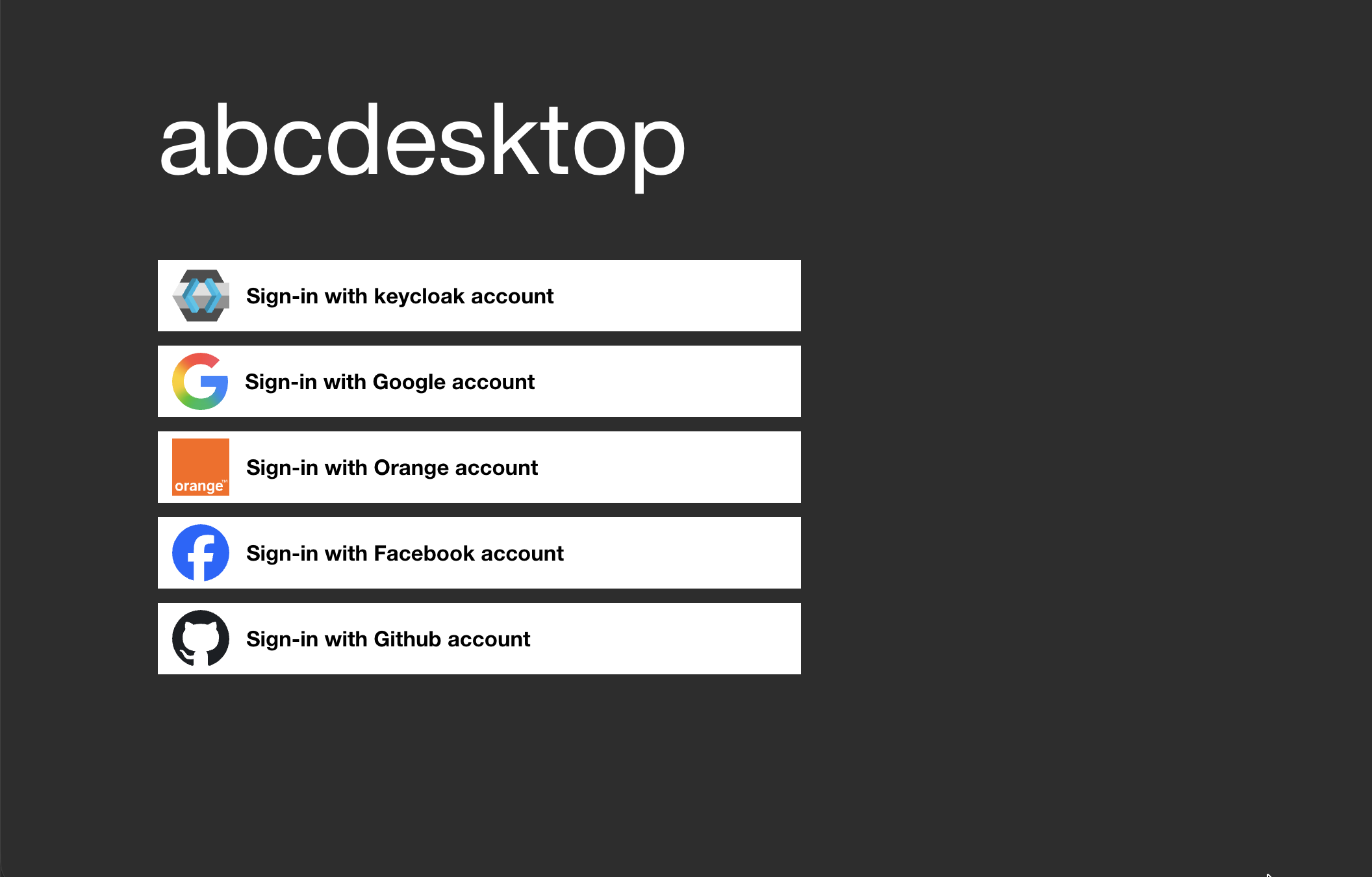
Read the authmanagers external Section.
authmanagers sample
In the authmanagers implicit section, authmanagers explicit section, and authmanagers external section, you have learned how to defined the providers.
At the same time, you can build an authmanagers dictionary as described with all types:
externalexplicitimplicit
For example, abcdesktop login page, with external, explicit and implicit
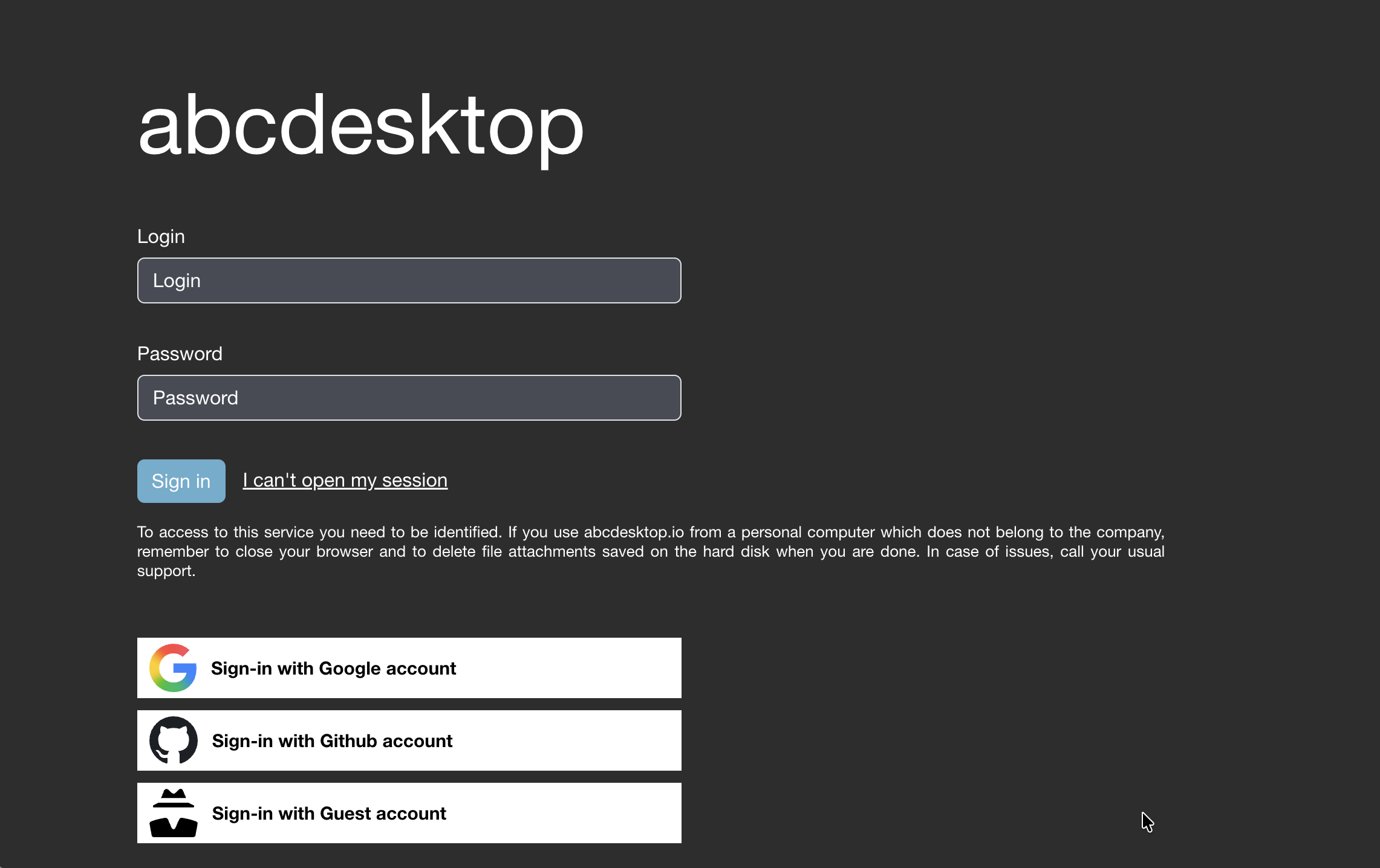
This page is generated from the authmanagers configuration
authmanagers: {
  'external': {
    'providers': {
      'google': {
        'icon': 'img/auth/google_icon.svg',
        'displayname': 'Google',
        'textcolor': '#000000',
        'backgroundcolor': '#FFFFFF',
        'enabled': True,
        'client_id': 'xxxx',
        'client_secret': 'xxxx',
        'userinfo_auth': True,
        'scope': [ 'https://www.googleapis.com/auth/userinfo.email',  'openid' ],
        'userinfo_url': 'https://www.googleapis.com/oauth2/v1/userinfo',
        'redirect_uri_prefix' : 'https://www.mydomain.com/API/auth/oauth',
        'redirect_uri_querystring': 'manager=external&provider=google',
        'authorization_base_url': 'https://accounts.google.com/o/oauth2/v2/auth',
        'token_url': 'https://oauth2.googleapis.com/token',
        'policies': {  'acl': { 'permit': [ 'all' ] } }
     },
     'github': {
        'icon': 'img/auth/github_icon.svg',
        'textcolor': '#000000',
        'backgroundcolor': '#FFFFFF',
        'displayname': 'Github',
        'enabled': True,
        'basic_auth': True,
        'userinfo_auth': True,
        'scope' : [ 'read:user' ],
        'client_id': 'xxxx',
        'client_secret': 'xxxx',
        'redirect_uri_prefix' : 'https://www.mydomain.com/API/auth/oauth',
        'redirect_uri_querystring': 'manager=external&provider=github',
        'authorization_base_url': 'https://github.com/login/oauth/authorize',
        'token_url': 'https://github.com/login/oauth/access_token',
        'userinfo_url': 'https://api.github.com/user',
        'policies': { 'acl' : { 'permit': [ 'all' ] } }
     }
    }
  },
  'explicit': {
    'show_domains': True,
    'default_domain': 'AD',
    'providers': {
      'AD': {
        'config_ref': 'adconfig',
        'enabled': True
       }
    }
  },
  'implicit': {
    'providers': {
      'anonymous': {
        'displayname': 'Guest',
        'textcolor': '#000000',
        'icon': 'img/auth/anonymous_icon.svg',
        'backgroundcolor': '#FFFFFF',
        'caption': 'Have a look !',
        'userid': 'anonymous',
        'username': 'Anonymous'
      } } } }


adconfig : {
  'AD': {
      'default' : True,
      'ldap_timeout': 15,
      'ldap_basedn': 'DC=ad,DC=domain,DC=local',
      'ldap_fqdn': '_ldap._tcp.ad.domain.local',
      'domain': 'AD',
      'auth_type': 'KERBEROS',
      'domain_fqdn': 'AD.DOMAIN.LOCAL',
      'krb5_conf': '/etc/krb5.conf',
      'servers'    :  [ 'ldap://192.168.7.12' ],
      'kerberos_realm': 'AD.DOMAIN.LOCAL',
      'serviceaccount': { 'login': 'svcaccount', 'password':'account' },
      'auth_protocol' : {
            'ntlm': True,
            'cntlm': False,
            'kerberos': True,
            'citrix': False,
            'localaccount': True },
      'query_dcs' : False } }